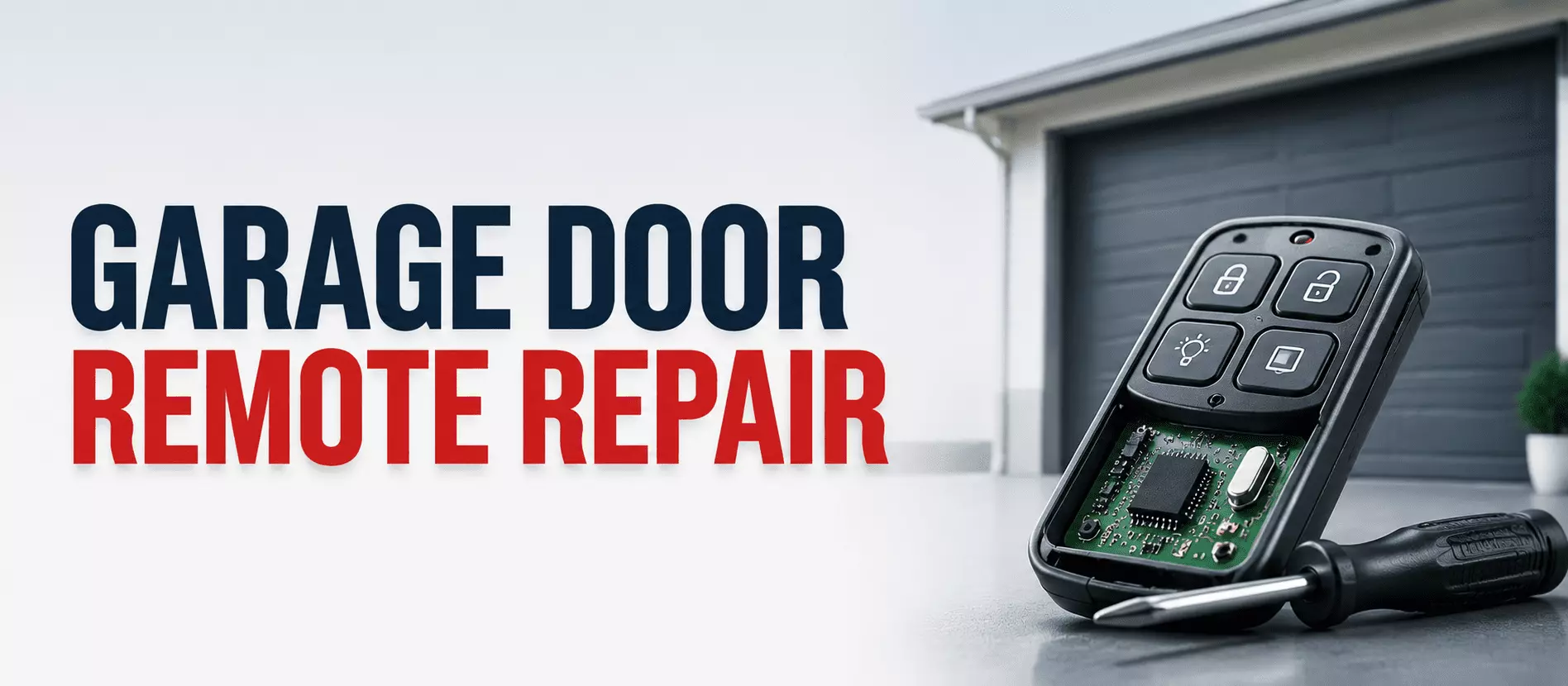
You press the remote, the door ignores you, and you sit there pressing harder, like that ever helps. We have all done it. The good news is that most garage door remote repair takes just a few minutes and requires no special tools.
Let us get right to it. Most remote problems trace back to four things. A dead battery, the lock button, a remote that lost its pairing, or signal interference.
Run them in order. Swap the battery, check the lock, and reprogram the remote, then look for interference. About 9 out of 10 times, one of those solves it.
The steps below cover each one in plain words. Start at the top and work down.
Step 1: Replace the Battery
Start with the obvious. A dead battery is the most common cause by far.
Most remotes use a 3V lithium coin battery. They last about two years, so if it has been that long, just swap it. Wipe the metal contacts clean while the cover is off.
Pop in a fresh battery and test the door. If it works, you are done. If not, move on.
Step 2: Check the Lock Button
Here is one thing people miss all the time. Many wall consoles have a lock or vacation button.
When it is on, the opener ignores every remote. It is easy to bump into it by accident during daily use. Hold the lock button for a few seconds to switch it off.
Now test the remote again. If the door responds, that was the whole problem.
Step 3: Reprogram the Remote
If the wall button works but the remote does not, the remote has likely lost its pairing. This often happens after a power outage or a battery change. A quick reprogram fixes it.
Find the Learn or Program button on the motor unit, near the antenna wire. Press and release it. Within 30 seconds, press your remote button once.
The opener light blinks or clicks to confirm the pair. Step back and test it. That is all most remote control repair really takes.
Step 4: Fix Poor Remote Range
Does the remote only work right next to the door? That short remote range usually points to interference, not a broken remote.
Nearby electronics can jam the signal on the same frequency. Common culprits are LED bulbs, WiFi routers, security lights, and game consoles. Try turning them off one at a time to find the source.
If the router sits in the garage, move it to another room. A bent or broken opener antenna also cuts range, so check that it hangs straight down.
Quick Facts
| Topic | Quick Answer |
|---|---|
| First fix to try | Replace the 3V lithium battery, they last about two years |
| Lock button | A bumped Lock or Vacation button blocks all remotes, switch it off |
| Reprogram steps | Press Learn on the motor, then press the remote within 30 seconds |
| Poor remote range | Usually signal interference from LEDs, routers, or security lights |
| Router in garage | Move it to another room to restore range |
| Antenna | Make sure the opener antenna hangs straight and is not broken |
| Still not working | Erase codes, unplug the opener one minute, reprogram all remotes |
| Repair or replace | If a second remote works, replace the faulty one |
| Safe to DIY | Battery, lock, reprogram, interference |
| Call a pro for | Receiver or logic board faults |
| Fort Myers help | Same-day and 24/7 opener and remote repair, licensed since 2009 |
When to Reset the Opener
Still no luck after a reprogram? A logic board reset is the next step. It clears stubborn glitches.
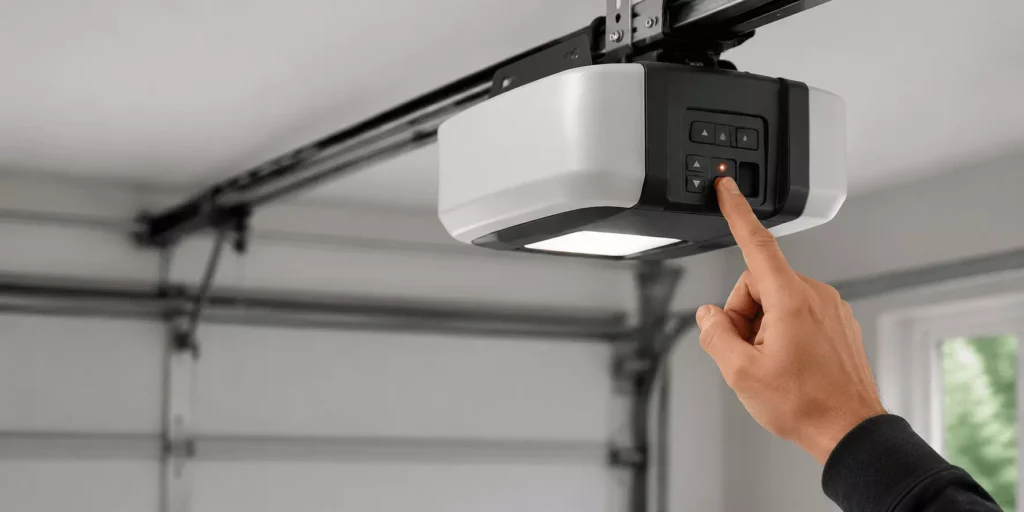
Erase the codes by holding the Learn button for about 6 seconds until the light goes off. Then unplug the opener for one minute to reset the board. Restore power and reprogram every remote and keypad.
If you have a second remote, test it now. If it works and the first does not, the first remote needs replacing.
When to Call a Fort Myers Pro
Most remote fixes are easy at home. Batteries, the lock button, reprogramming, and interference are all DIY. A failing receiver or logic board is not.
Our team handles garage door opener repair in Fort Myers, including remotes, receivers, and boards. We are Florida-licensed and insured, serving Lee County since 2009.
If the keypad acts up, too, or the door itself sticks, we sort that on the same visit. Stuck after hours? Our 24/7 emergency line stays open.
Frequently Asked Questions
Why did my garage door remote stop working?
The most common reason is a dead battery, which lasts about two years. Swap it first, then check the lock button.
How do I reprogram my garage door remote?
Press the Learn button on the motor unit, then press your remote within 30 seconds. The opener light blinks to confirm the pair.
Why does my remote only work up close?
This short range usually means signal interference. LED bulbs, routers, and security lights are common causes, so try turning them off.
The wall button works, but the remote does not. Why?
The remote likely lost its pairing. Reprogram it with the Learn button, and replace the battery if it is old.
Can a WiFi router interfere with my remote?
Yes, especially if the router sits in the garage. Move it to another room or adjust its antenna to improve range.
Do I need to reprogram after changing the battery?
Sometimes, depending on the model. If the remote does not respond with a fresh battery, reprogram it with the Learn button.
Should I buy a new remote or repair it?
If a fresh battery and reprogramming fail and a second remote works fine, the first remote is faulty and worth replacing.