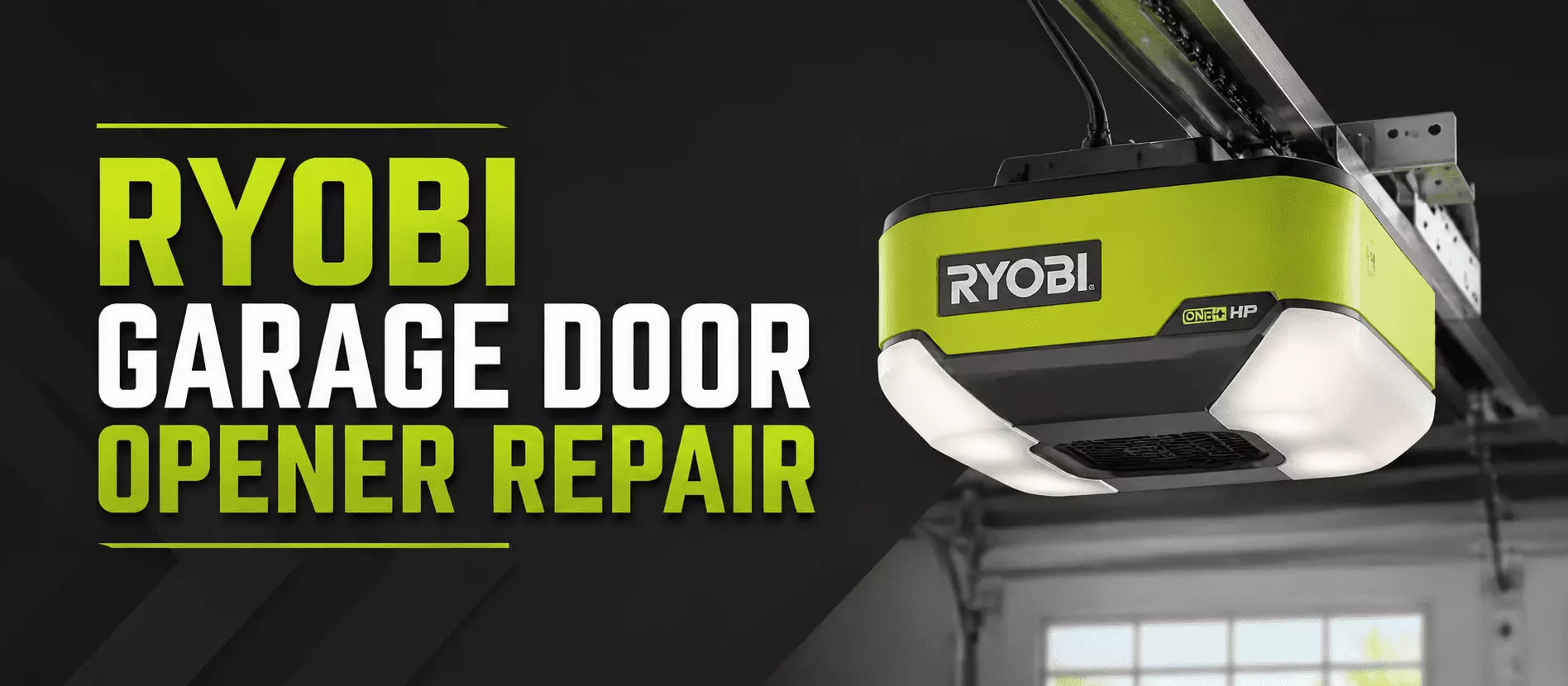
You press the button, the opener beeps, and the door barely budges. It is a small headache that always seems to land at the worst time. The good news is that most Ryobi openers act up for simple reasons you can sort out yourself.
Here is the short version. Most Ryobi garage door opener repairs start with four checks. Power, the safety sensors, the remote, and then a reset.
Run them in order. A power reset and a sensor cleanup fix most cases. If the door still acts up, the limit switches or logic board may need a pro.
The steps below break each one down in plain words. Start at the top and work down.
Step 1: Check the Power
Power is the first thing to rule out. A dead Ryobi opener has often just lost its supply.
Make sure the unit is plugged in at the ceiling outlet. Test that outlet with a lamp to confirm it works. Reset the breaker if it tripped, and check the cord for damage.
Try a different outlet if the first one is dead. Then test the door again before moving on.
Step 2: Look at the Safety Sensors
The safety sensors are a top reason a Ryobi door will not close. They sit near the bottom of the tracks.
Both must line up and stay clean. Dust, webs, or a small bump breaks the beam. Wipe the lenses and adjust them until both lights stay solid.
If the door starts to close and then reverses, check the sensors first. Our sensor repair page covers the full alignment.
Step 3: Fix the Remote
The wall button works, but the remote does not? Start with a fresh battery. Weak batteries are the most common cause.
If a new battery does nothing, reprogram the remote. Press the Learn button on the motor unit, then hold your remote button within 30 seconds. The opener confirms the pair.
Also, clean the remote contacts and make sure the button is not stuck. Both are easy to miss.
Step 4: Reset Ryobi the Right Way
A reset clears a lot of small glitches. There are two kinds, so pick the one you need.
For a quick reboot, unplug the opener for 30 seconds, then plug it back in. Some units have a Reset button that you hold for about 10 seconds.
For a full factory reset, follow your manual to wipe all remotes and accessories. This is the move when you take over a Ryobi opener in a new home.
Quick Facts
| Topic | Quick Answer |
|---|---|
| First things to check | Power, safety sensors, remote, then a reset |
| Most common problem | Door will not close due to misaligned sensors |
| Quick reset | Unplug 30 seconds, or hold the Reset button about 10 seconds |
| Full reset | Follow the manual to wipe all remotes and accessories |
| Remote not working | Fresh battery first, then reprogram with the Learn button |
| App or WiFi drop | Restart router, power cycle opener, re-add in the Ryobi app |
| Beeps but no movement | Limit switch error or motor lockout, check for a bind |
| New home takeover | Factory reset to clear the old owner’s settings |
| Safe to DIY | Sensors, batteries, resets, app reconnect |
| Call a pro for | Limit switches, logic board, motor, springs, cables |
| Fort Myers help | Same-day and 24/7 opener repair, licensed since 2009 |
Fix the App and WiFi Connection
Ryobi openers are modular and connect to the Ryobi app over WiFi. That is handy until the link drops.
If the app will not connect, restart your router first. Then, power cycle the opener. A factory reset often clears stubborn connection faults.
Once it is back online, re-add the opener in the app. Keep the unit within solid WiFi range for a stable link.
When the Opener Beeps but the Door Will Not Move
A Ryobi opener that beeps with no movement usually points to a limit or lockout issue. This one trips up a lot of owners.
The beep often means a limit switch error or motor lockout. Move the door by hand to check it is not binding on the track. Inspect the limit switch buttons and the wiring at the control panel.
If resetting the limits does not help, the logic board or motor clutch may need a look. That is a pro-level repair.
When to Call a Fort Myers Pro
Some fixes are fine at home. Sensors, batteries, resets, and the app are safe to try. Limit switches, logic boards, motors, springs, and cables are not.
Our team handles garage door opener repair in Fort Myers for Ryobi units. We are Florida-licensed and insured, serving Lee County since 2009.
If the trouble turns out to be a spring or track issue, we fix it on the same visit. Stuck after hours? Our 24/7 emergency line stays open.
Frequently Asked Questions
How do I reset my Ryobi garage door opener?
For a quick reset, unplug it for 30 seconds and plug it back in. For a full reset, follow your manual to wipe all remotes and accessories.
Why does my Ryobi opener beep but not move?
This usually means a limit switch error or motor lockout. Move the door by hand to rule out a bind, then check the limit switches.
Why does my Ryobi door open but not close?
This is almost always the safety sensors. Clean the lenses and line them up until both lights stay solid.
How do I reconnect my Ryobi opener to the app?
Restart your router, power cycle the opener, and then re-add it in the Ryobi app. A factory reset clears stubborn WiFi faults.
My Ryobi remote stopped working. What now?
Try a fresh battery first. If that fails, reprogram the remote with the Learn button on the motor unit.
How do I factory reset a Ryobi opener in a new home?
Follow your manual to wipe all old remotes and accessories. This clears the previous owner’s settings for full control.
Why does my Ryobi opener keep beeping?
Constant beeping often signals a limit error, a sensor fault, or a low backup battery. Work through the sensors and limits first.