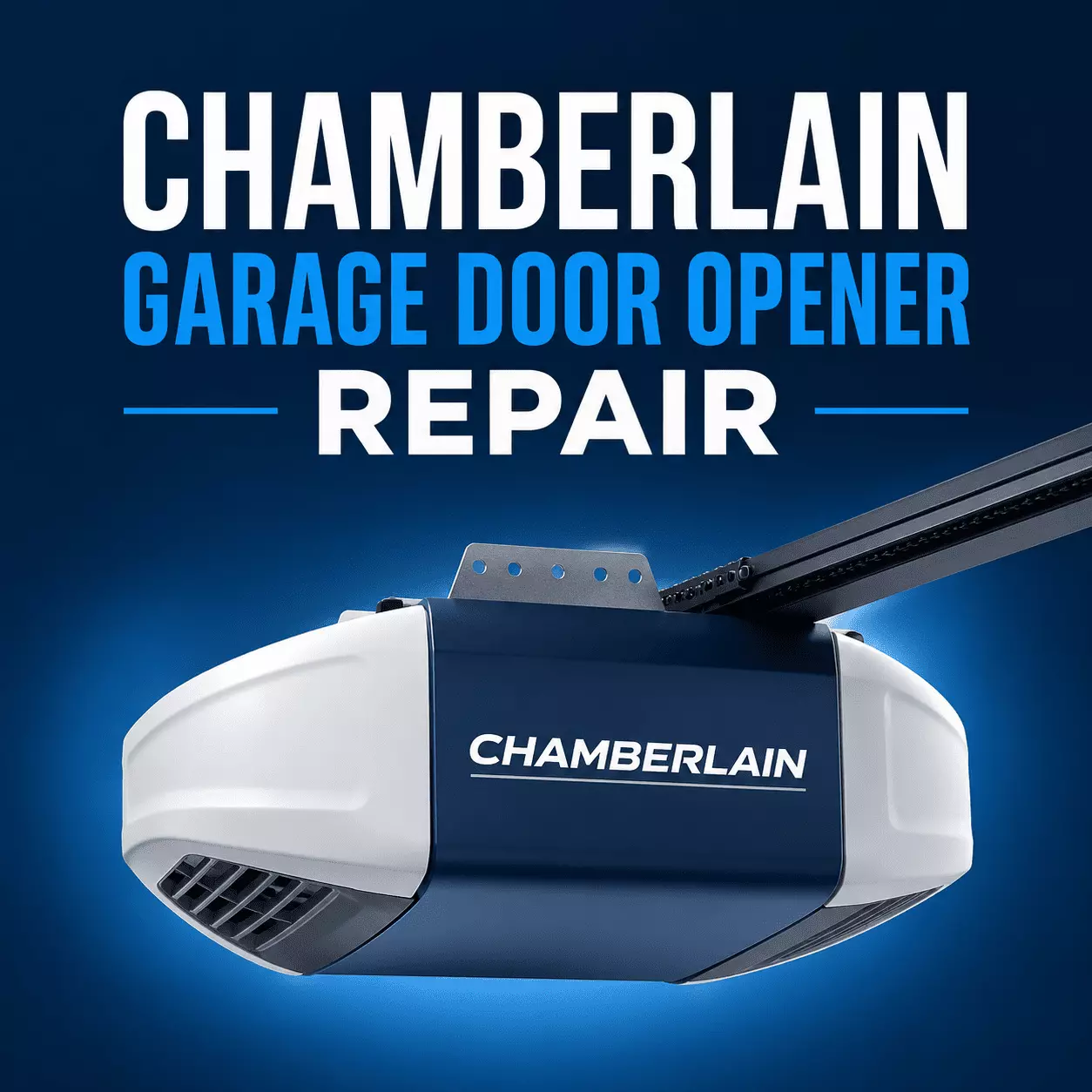
Nothing throws off a busy day like a garage door that just sits there. Your Chamberlain opener has worked fine for years, and then one morning it stops. The good part is that most of these openers fail for small reasons you can sort out fast.
Let us cut to it. Most Chamberlain garage door opener repair starts with four checks. Power, the safety sensors, the remote, and then a simple reset.
Run them in that order. A power reset and a sensor cleanup fix the majority of cases. If the door still acts up, the wiring or logic board may need a pro.
The sections below walk through each step in plain words. Start at the top and work down.
Step 1: Check the Power
Power is the first thing to rule out. A dead opener has often just lost its supply.
Confirm the unit is plugged in. Test the outlet with a lamp to be sure it works. Check that the breaker or GFCI has not tripped.
Also, look at the wall control. If the lock or vacation mode is on, it blocks all remote signals. Switch it off and try again.
Step 2: Look at the Safety Sensors
This is the top reason a Chamberlain door will not close. About 80 percent of those cases trace back to the sensors.
The two sensors near the floor must line up and stay clean. Dirt, webs, or a small bump breaks the beam. Wipe the lenses and nudge them until both lights stay solid.
If holding the wall button closes the door, the sensors are the problem. Our sensor repair page covers the full alignment steps.
Step 3: Fix the Remote or Keypad
The wall button works, but the remote does not. Start with a fresh battery. Old batteries are the usual cause.
If a new battery does nothing, reprogram the remote. Press the Learn button on the motor unit, then press a button on the remote. The LED flashes to confirm the sync.
Watch for signal interference, too. Routers, LED bulbs, and some fixtures can scramble the signal and need to be moved.
Step 4: Reset Chamberlain the Right Way
A reset clears a lot of small glitches. There are two kinds, so pick the one you need.
For a quick power reset, unplug the opener for 30 seconds, then plug it back in. This discharges the electronics and clears temporary faults.
To reset Chamberlain remotes and keypads, hold the Learn button until the LED turns off. That wipes all old remotes, which is handy in a new home. Then reprogram your own remotes and keypad.
What the Blinking Light Codes Mean
Chamberlain openers flash the LED to flag a fault. The blink count points to the cause.
One flash often means a broken sensor wire. Five flashes can mean the motor is overheating. Blocked or misaligned sensors throw their own pattern too.
Tip: count the blinks between pauses, then check your manual for that model. Codes vary by unit. A myQ app alert may also tell you what is wrong.
When the Door Stops Partway or Reverses
Sometimes the door moves a few inches, then stops or reverses. A couple of things cause this.
First, check the tracks for obstructions and clean and lubricate the moving parts. A binding track makes the motor think it hit something. Worn rollers do the same.
Second, the travel limits may have drifted. Those settings tell the motor how far to move the door. Adjusting them incorrectly is unsafe, so this is a good point to call a pro.
Quick Facts
| Topic | Quick Answer |
|---|---|
| First things to check | Power, safety sensors, remote, then a reset |
| Most common problem | Door will not close due to misaligned or dirty sensors |
| Quick power reset | Unplug 30 seconds, then plug back in |
| Reset remotes | Hold the Learn button until the LED turns off, then reprogram |
| Remote not working | Fresh battery first, then reprogram with the Learn button |
| Signal interference | LED bulbs and routers can scramble the remote signal |
| Blink codes | 1 flash sensor wire, 5 flashes motor overheating, count between pauses |
| Door stops partway | Clear the track, lubricate, or adjust travel limits |
| Safe to DIY | Sensors, batteries, resets |
| Call a pro for | Logic board, motor, springs, cables |
| Fort Myers help | Same-day and 24/7 opener repair, licensed since 2009 |
When to Call a Fort Myers Pro
Some fixes are fine at home. Batteries, sensors, and a basic reset are safe to try. Logic boards, motor faults, springs, and cables are not.
Our team handles garage door opener repair in Fort Myers for all Chamberlain models. We are Florida-licensed and insured, serving Lee County since 2009.
If the trouble turns out to be a spring or track issue, we fix it on the same visit. Stuck after hours? Our 24/7 emergency line stays open.
Frequently Asked Questions
How do I reset my Chamberlain garage door opener?
For a quick reset, unplug it for 30 seconds, then plug it back in. To clear old remotes, hold the learn button until the LED turns off.
Why does my Chamberlain door open but not close?
This is almost always the safety sensors. Clean the lenses and line them up until both lights stay solid.
My Chamberlain remote stopped working. What now?
Try a fresh battery first. If that fails, reprogram the remote using the Learn button on the motor unit.
Why is my Chamberlain opener light blinking?
The blink count is an error code. Count the flashes between pauses and match them to your model manual.
The opener clicks, but the door will not move. Why?
This often points to a failing logic board or a mechanical issue. Rule out power and sensors first, then call a pro.
Can LED lights interfere with my Chamberlain remote?
Yes. LED bulbs and routers can scramble the signal. Try turning off nearby lights while you troubleshoot.
How do I reset a Chamberlain opener in a new house?
Hold the Learn button for several seconds until the LED turns off. That removes the old owner’s remotes so you can program your own.